Saw kerf explained: what it costs and how to allow for it
October 31, 2026 · 6 min read
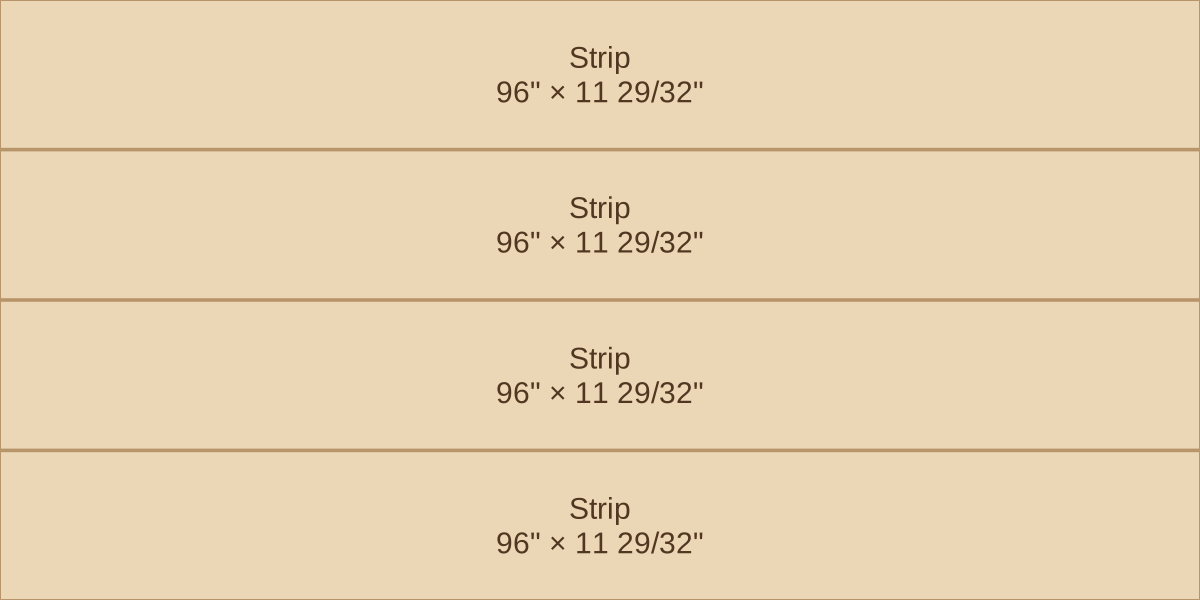
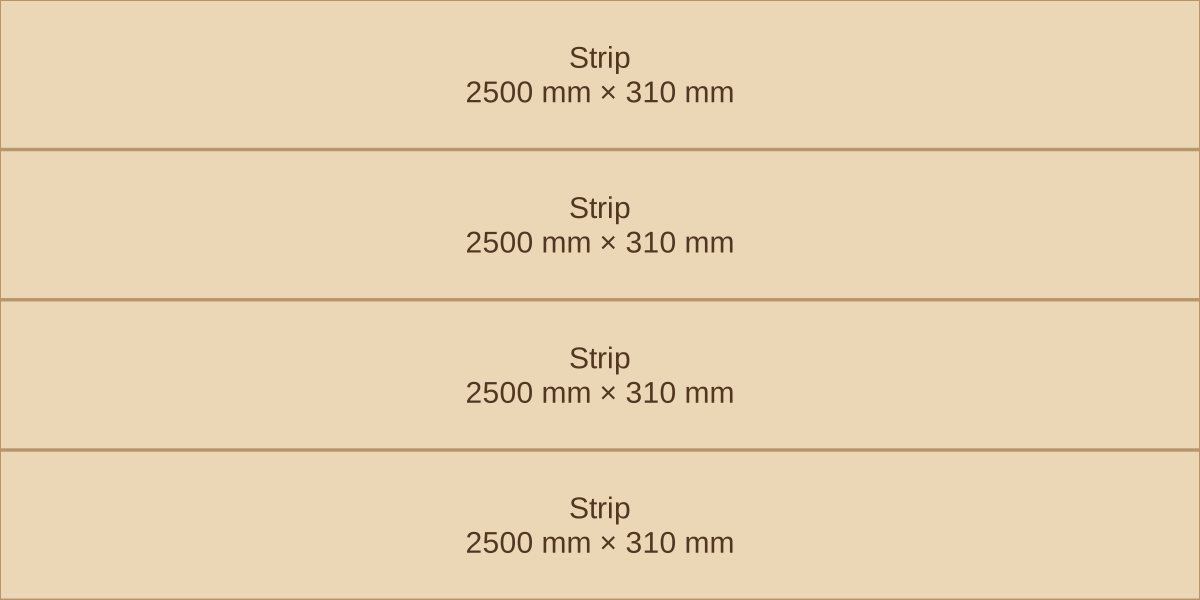
Every cut turns a strip of wood into dust. It is only about 1/8"3 mm, which is why it is easy to leave off a plan, and why it still ruins layouts that fit exactly on paper.
What kerf is
Kerf is the width of the slot a saw blade cuts. It is set by the teeth, which are wider than the blade body. As a rough guide, a full-kerf table saw blade is about 1/8"3.2 mm and a thin-kerf blade about 3/32"2.4 mm. Hand-held and track saws vary by model.
How to measure yours
Do not rely on the number printed on the blade. Tooth set, a slightly bent blade and arbor runout all change the real width, and a wobbling blade cuts wider than it measures.
- Make a short cut into a piece of scrap with the blade at full speed.
- Measure the slot with calipers, or with feeler gauges or drill bit shanks if you have no calipers.
- Write it on the saw. Redo it when you change the blade.
The four-strip problem
A 48"1250 mm sheet divides neatly into four 12"312.5 mm strips. On a saw, it does not. Three cuts take three kerfs, and the last strip pays for all of them.
That missing 3/8"9 mm means the fourth strip needs a second sheet. This is the optimizer's result for four 96 × 12"2500 × 312.5 mm strips with no edge trim:
| Kerf | Width | Sheets for four strips |
|---|---|---|
| None (the drawing) | 0" | 1 |
| Thin-kerf blade | 3/32" | 2 |
| Full-kerf blade | 1/8" | 2 |
| Kerf | Width | Sheets for four strips |
|---|---|---|
| None (the drawing) | 0 mm | 1 |
| Thin-kerf blade | 2.4 mm | 2 |
| Full-kerf blade | 3.2 mm | 2 |
Note what kerf does not do: it does not add a little bit of cost to every project. On most layouts it changes nothing, because there is room in the offcuts. It matters at the threshold, and there it can cost a whole sheet.
The formula
To find the widest equal strip you can cut, subtract one kerf for each cut and divide by the number of strips. n strips take n − 1 cuts:
strip width = (sheet width − (n − 1) × kerf) ÷ n
(48" − 3 × 1/8") ÷ 4 = 11 29/32"(1250 mm − 3 × 3 mm) ÷ 4 = 310.25 mm
The optimizer agrees: four strips fit at 11 29/32"310 mm and need a second sheet at 11 15/16"311 mm. In practice, leave yourself more margin than that. If your edges need trimming, subtract that from the sheet width first.
Marking and fence setup
- Cut on the waste side of the line. A line marks where the part ends, not where the middle of the blade goes. Split the line and the part comes out half a kerf small.
- Mark one part at a time. If you mark 12", 24" and 36"300, 600 and 900 mm on a sheet up front, each cut takes a kerf from the next part. Cut one, then measure from the new edge.
- Measure to a tooth, not the plate. Set the fence with the tape on a tooth that leans toward the fence. Then make a test cut and measure the result, which is the only number that counts.
- Keep the same blade through a project. Swapping blades midway changes the kerf and can shift the fence reading.
Every layout and sheet count in this guide was calculated by the optimizer inside Plyplan.